
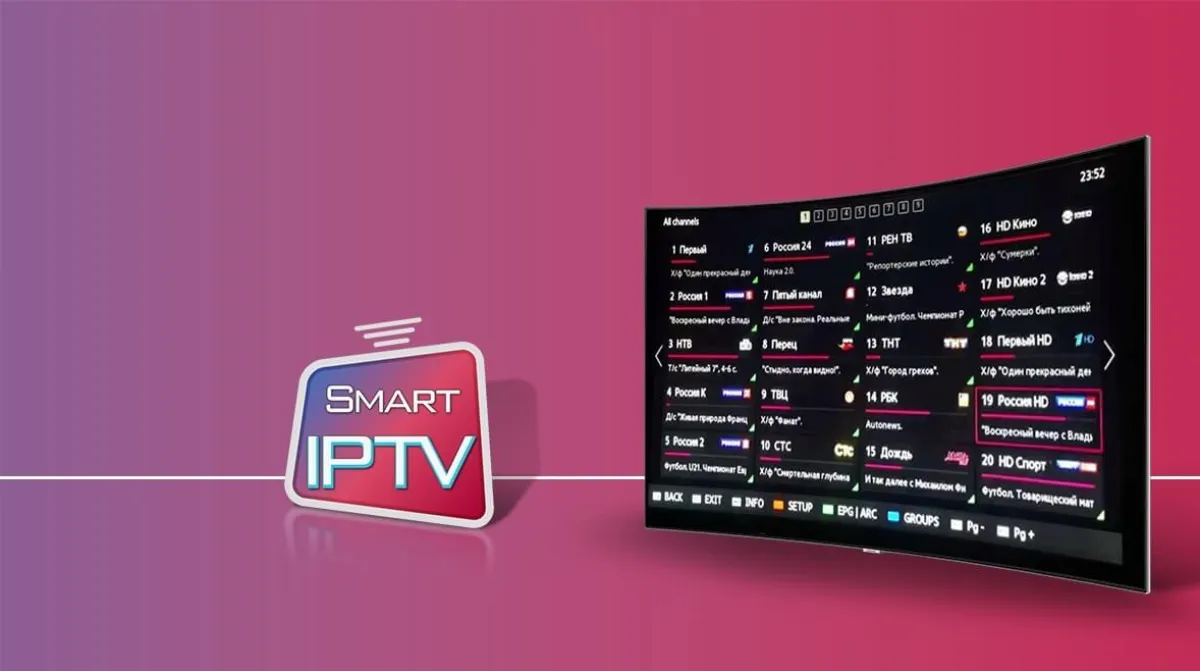
Setting up IPTV Provider takes about five minutes on most devices, and the overwhelming majority of problems people report are configuration mistakes rather than faults with the service itself.
This guide covers the exact steps for the five device families that account for nearly all installations, followed by the three errors that generate almost every support ticket — and how to clear them yourself in under a minute.
Before you start: what you need
You need three things: your login details, an app that supports them, and a stable connection. Nothing else. There is no hardware to buy and no engineer visit.
Your credentials arrive by email and come in one of two forms — a username, password and portal URL, or a single M3U link. Keep the email; you will need it again if you change device.
Amazon Firestick and Fire TV
Enable installation from unknown sources in Settings → My Fire TV → Developer Options, then install the Downloader app from the Amazon store.
Open Downloader, enter the download URL for your player of choice, install it, then launch it and enter the credentials from your email. Load times of ten to twenty seconds on first launch are normal — the app is pulling the full channel list.
Samsung and LG Smart TVs
Both platforms have IPTV players in their own app stores. Install one, open it, and it will display a device MAC address or key.
Enter that key together with your playlist URL on the app’s activation page, then reload the app on the TV. The channel list appears without any further configuration.
Android TV boxes and phones
Install your player from the Play Store, choose the login type that matches your credentials, and enter them exactly as they appear — including capitals.
On Android specifically, set the decoder to hardware acceleration in the player settings. Software decoding is the single most common cause of stuttering on cheap boxes.
MAG boxes and Enigma2 receivers
MAG boxes need the portal URL entered under Settings → System Settings → Servers → Portals, followed by a reboot. The device MAC must be registered with the provider first.
Enigma2 receivers use an uploaded playlist file rather than a portal. Once uploaded, the channels appear in the standard bouquet list alongside satellite channels.
The three errors people actually hit
Buffering on every channel. Almost always the connection, not the service. Test on a wired connection or move the device closer to the router before contacting support.
“Invalid credentials”. Nine times out of ten this is a copy-paste that grabbed a trailing space, or a capital letter typed as lowercase. Retype the details by hand.
Some channels work, others do not. That is a source-side problem and the fix is on the provider’s end. Report the exact channel names — support can re-route a single stream in minutes.
Getting the most from the setup
Build a favourites list on day one. Scrolling through tens of thousands of channels is unusable; a favourites list of thirty turns the service into something you actually enjoy.
If more than one person watches at the same time, make sure your plan allows it. You can see the screen options on our IPTV Provider page — every plan lists exactly how many simultaneous streams it permits.
Windows, macOS and web browsers
On a computer, VLC will play an M3U playlist directly: Media → Open Network Stream, paste the link, press play. It is the fastest way to confirm your credentials work before you touch the television.
For daily use a dedicated desktop player gives you the programme guide and a proper channel list, which VLC does not. Either way, the same credentials work on every device — there is no separate licence per platform.
Keeping the picture sharp
Set the player’s buffer to a mid-range value. Too low and every network hiccup interrupts playback; too high and channel changes feel sluggish. Two to three seconds is the sweet spot on most connections.
If your television supports it, force the output to match the source rather than upscaling everything to 4K. Upscaled 1080p often looks softer than native 1080p displayed as-is.
On Wi-Fi, use the 5 GHz band where possible. It carries far less interference than 2.4 GHz, and streaming is much more sensitive to interference than to raw bandwidth.